Improve site communication: 5 practical steps for UK projects
Poor communication costs UK construction firms billions annually. Learn five practical steps to implement clear protocols and digital tools to improve project success.
By James Shorter ·
Improve site communication: 5 practical steps for UK projects
TL;DR:
- Poor communication costs UK construction firms billions annually through mistakes and rework. Implementing clear protocols, digital tools, and fostering trust improves project success rates and reduces costs. Consistent use and monitoring of communication systems are essential for effective site management.
Poor communication is costing UK construction firms a fortune. Rework alone accounts for 28 to 52% of total project costs, which can reach up to 30% of a contract’s value. Across the industry, that translates to billions lost every year to avoidable mistakes, repeated work, and missed deadlines. If you’re a project manager or contractor trying to keep jobs on time and on budget, the quality of your site communication is one of the most direct levers you have. This guide walks you through the most common obstacles, the tools and protocols that actually work, and practical steps to implement them from day one.
Table of Contents
- Identifying common site communication challenges
- Preparing for better communication: Essential tools and protocols
- Executing communication plans: Step-by-step integration on site
- Verifying communication success: Monitoring, troubleshooting, and case studies
- Why a culture of trust matters more than technology
- Take your site communication to the next level
- Frequently asked questions
Key Takeaways
| Point | Details |
|---|---|
| High cost of miscommunication | Miscommunication leads to billions in rework costs across UK construction projects. |
| Preparation is essential | Choosing the right tools and protocols at the start prevents most breakdowns. |
| Digital tools boost efficiency | Integrated platforms provide real-time communication and significantly cut admin time. |
| Culture drives results | Building trust and training teams is just as crucial as adopting technology. |
| Regular monitoring ensures progress | Tracking admin time and meeting length helps verify communication improvements. |
Identifying common site communication challenges
Before you can fix a problem, you need to know exactly where it starts. Most communication problems on UK construction sites fall into three broad categories: language barriers, manual data transfer, and fragmented teams. Each one creates its own chain of delays, errors, and cost overruns.
Language barriers are more prevalent than many managers expect. 67% of UK employers report language issues affecting their workforce, and on busy sites with multiple subcontractors, this can directly cause safety incidents and rework. Meanwhile, 53% of teams still rely on manual data transfer, meaning information travels via spreadsheets, phone calls, and paper forms rather than live digital systems. That lag creates version control issues and leaves workers acting on outdated instructions.
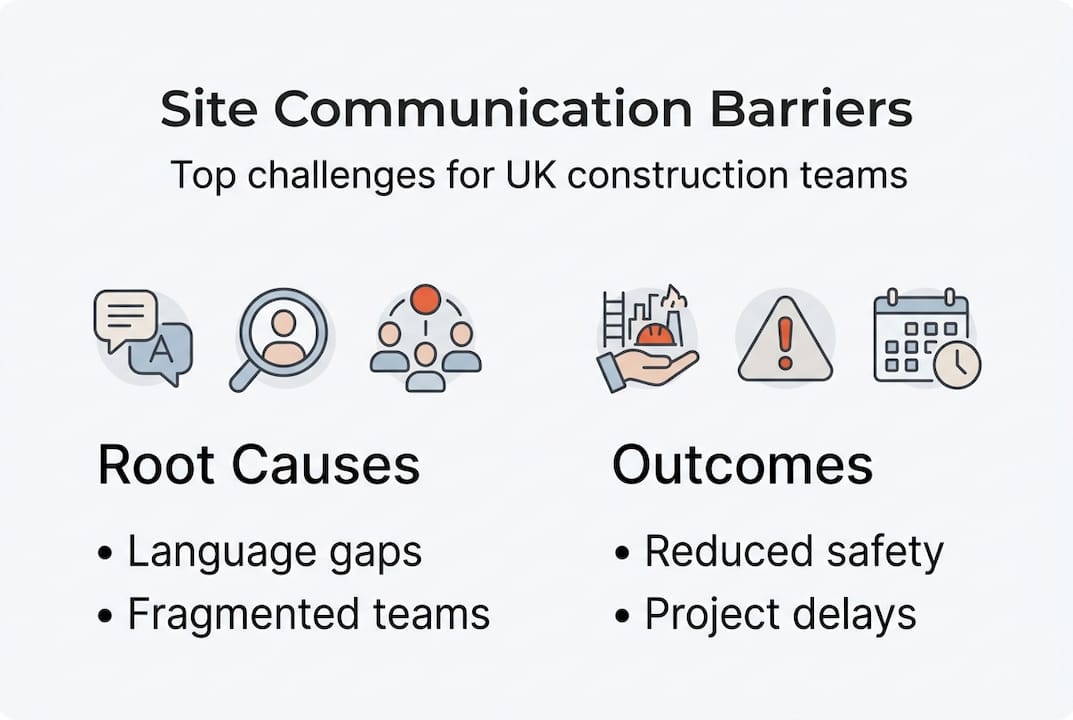
Fragmented teams are the third major obstacle. When your main contractor, subcontractors, designers, and client are all using different tools and channels, nobody has a complete picture. This is one of the core reasons projects fail due to miscommunication more often than due to technical failures.
The data is clear on the cost of getting this wrong. Projects with clear communication plans succeed on time 70% of the time, compared to just 37% for projects with poor communication. Only 52% of those poorly-run projects finish on budget. These are not marginal differences.
Here are the most common challenges and their typical impact:
- Language barriers: Misunderstood instructions, safety risks, and rework
- Manual data transfer: Outdated information, version conflicts, and delays
- Fragmented teams: Siloed updates, duplicated effort, and missed handovers
- Noisy environments: Verbal instructions lost on active sites, requiring two-way radios for noisy sites as a reliable fallback
- No documented decisions: Disputes over scope, delays in approvals, and accountability gaps
| Challenge | Root cause | Typical impact |
|---|---|---|
| Language barriers | Diverse workforce | Safety incidents, rework |
| Manual data transfer | Outdated processes | Delays, version errors |
| Fragmented teams | Multiple tools/channels | Missed updates, cost overruns |
| Poor documentation | No central system | Disputes, scope creep |
| Noisy environments | Physical site conditions | Miscommunication, safety risk |
Understanding these root causes is the first step. The next is building a communication setup that addresses each one directly.
Preparing for better communication: Essential tools and protocols
Once you’ve mapped the major challenges, the next step is to get prepared with tools and strategies that build a strong communication foundation. The right setup before a project starts saves far more time than trying to fix communication mid-build.
Clear protocols from day one are non-negotiable. That means establishing a chain of command, deciding which channels are used for which types of information, and scheduling regular check-ins. Without this structure, even the best tools will be underused.
Here’s a practical setup sequence to follow at project kick-off:
- Define the chain of command. Every team member should know who to report to and who makes final decisions on site.
- Select your communication channels. Use digital platforms for documentation and task updates; use two-way radios or instant messaging for urgent, real-time exchanges.
- Schedule daily check-ins. A 10-minute morning briefing keeps everyone aligned and surfaces blockers before they become delays.
- Create visual aids. Multilingual signage, colour-coded plans, and illustrated safety guides reduce the impact of language barriers.
- Document everything. Every decision, change order, and instruction should be logged in a central system. Refer to communication protocols for guidance on structuring this process.
When choosing between face-to-face and digital communication, both have a role to play:
| Method | Strengths | Limitations |
|---|---|---|
| Face-to-face | Builds trust, immediate feedback | Hard to document, not scalable |
| Digital platforms | Auditable, real-time, scalable | Requires training and adoption |
| Two-way radios | Fast, reliable in noisy conditions | No documentation, limited range |
| Formal record, accessible | Slow for urgent updates |
Following coordination best practices means combining these methods intentionally rather than defaulting to whichever is most convenient.
Pro Tip: Start every project by setting up a centralised documentation platform before any work begins on site. Retrofitting a system mid-project is disruptive and rarely adopted well by the full team.
Executing communication plans: Step-by-step integration on site
With foundations set, here’s how to put your communication plan into action and ensure it works on the ground. The key is sequential integration, not a big-bang rollout that overwhelms your team.
- Onboard your full team to a single platform. Whether you use BRCKS, Fieldwire, or another tool, everyone from site manager to subcontractor needs access from day one. Mobile apps for communication are particularly effective here, as most workers already have smartphones.
- Assign tasks with clear owners and deadlines. Ambiguity in task ownership is a leading cause of delays. Digital platforms let you assign, track, and update tasks in real time.
- Enable real-time updates from site. Photos, checklists, and progress notes logged directly from site eliminate the need for manual reporting and keep the whole team informed.
- Integrate with existing workflows. Integrated digital tools like Procore, BRCKS, and Fieldwire centralise information and provide a single source of truth, which 90% of Procore customers report leads to better communication outcomes.
- Review the project managers guide for platform-specific setup tips tailored to UK construction workflows.
For further guidance on structuring your digital rollout, the Procore guide covers platform-agnostic principles that apply across most tools.
Pro Tip: Train every team member on the platform before the project starts, not after problems emerge. A 30-minute onboarding session per person saves hours of confusion later.
Safety note: Always maintain backup communication channels for emergencies. Digital platforms are excellent for project management, but a site with no fallback radio or phone protocol during a system outage creates genuine safety risk. Never rely on a single channel for critical safety communications.
Verifying communication success: Monitoring, troubleshooting, and case studies
After implementation, it’s essential to track results and adjust as needed. Here’s how leading UK firms have done it.
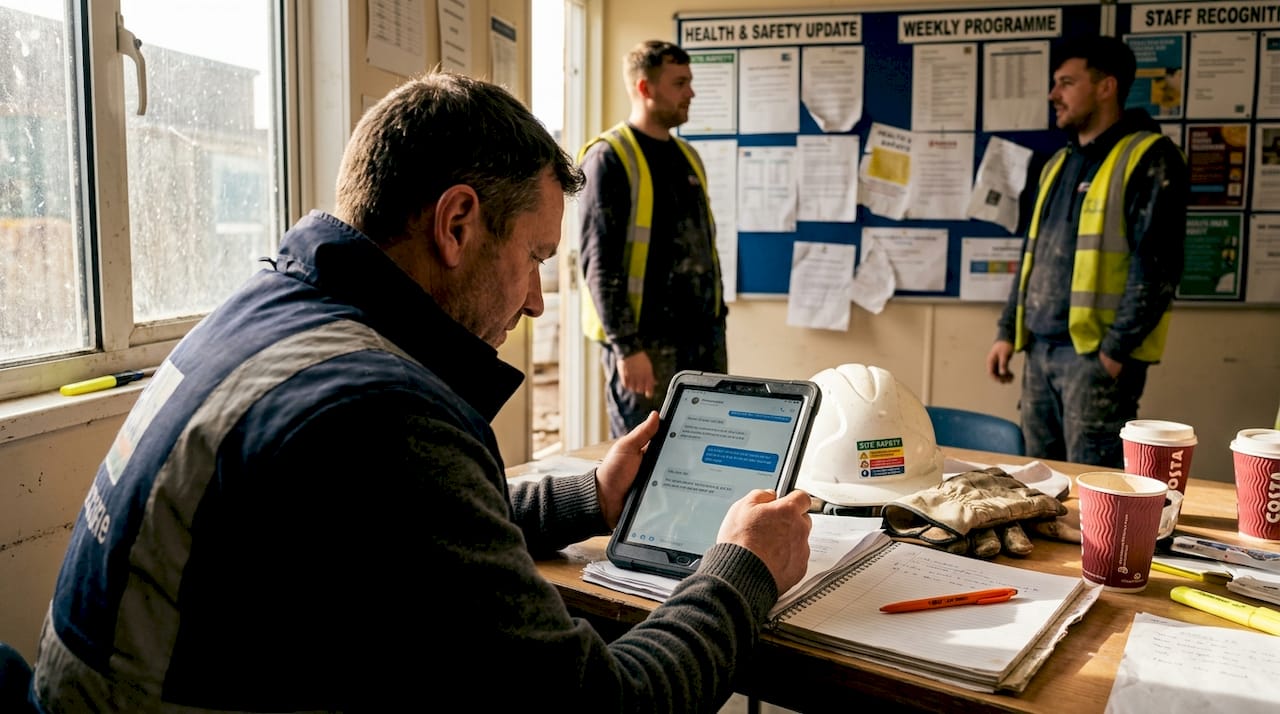
Monitoring communication health doesn’t require complex analytics. Start with simple indicators: Are daily check-ins happening? Are tasks being updated in real time? Is rework decreasing? If the answer to any of these is no, you have a signal worth investigating.
Common signs of communication breakdown include:
- Repeated questions about the same issue: Signals that information isn’t being shared or documented properly
- Missed handovers between trades: Often caused by fragmented channels or unclear task ownership
- Rising rework rates: A direct indicator that instructions aren’t reaching the right people in time
- Low platform adoption: If half the team isn’t using the agreed tool, you effectively have two parallel systems
For workflow and rework reduction, the evidence from UK projects is compelling. Eurovia cut admin work by 90% after implementing a digital communication platform. BIMcollab reduced meeting duration from three hours to one hour on the Everton Stadium project. Mace’s Timber Square project achieved 0.53m² per worker hour, twice the London average, by combining lean construction methods with strong digital communication.
These outcomes are not accidental. They result from deliberate monitoring, rapid troubleshooting, and a willingness to adjust when something isn’t working. Platforms that cut errors via information sharing do so because teams commit to using them consistently, not just during set-up.
| Firm | Tool used | Key outcome |
|---|---|---|
| Eurovia | Digital platform | 90% reduction in admin work |
| Laing O’Rourke (BIMcollab) | BIMcollab | Meetings cut from 3h to 1h |
| Mace (Timber Square) | Lean + digital comms | 2x London average productivity |
Statistic to note: A 90% reduction in admin time is not a marginal efficiency gain. For a project manager spending two hours a day on admin, that’s nearly 10 hours a week returned to active site management.
Why a culture of trust matters more than technology
Here’s what experienced project managers know that isn’t always obvious from the tools and statistics: technology does not fix a broken team culture. It amplifies whatever culture already exists.
If your team doesn’t trust each other’s updates, they’ll ignore the platform. If subcontractors feel their input isn’t valued, they’ll revert to phone calls and workarounds. Prioritising trust and understanding before rolling out new technology is the single most overlooked step in most digital transformation efforts.
Practical ways to build that culture include hybrid seating arrangements where office-based staff and site teams share space regularly, and structured feedback loops where workers can flag communication failures without blame. Tech alone is insufficient without the face-to-face relationships that make people willing to use it honestly.
“Technology without trust is just noise.”
Data analytics can then support continuous improvement, but only once the human foundation is in place. If you’re investing in a new platform, invest equally in the digital collaboration pitfalls that derail adoption. The firms achieving 2x productivity gains aren’t just using better software. They’re building better teams.
Take your site communication to the next level
The strategies in this guide work. But applying them consistently across multiple projects, teams, and subcontractors is where most firms struggle. That’s where purpose-built tools make the difference.

BRCKS is built specifically for UK construction teams who need to consolidate communication, task management, and client updates into one platform. Whether you’re a small contractor or managing large-scale builds, BRCKS reduces the admin burden and keeps every stakeholder informed in real time. Explore software solutions for builders to see how the platform fits your workflow, review UK construction communication tools for a full feature breakdown, or browse industry case studies from teams already seeing measurable results. Get BRCKS free for 14 days and see the difference a single platform makes.
Frequently asked questions
What is the most common cause of communication breakdown on UK construction sites?
Fragmented teams and unclear chains of command are the most cited root causes, as clear protocols from day one are rarely established before work begins.
Do digital communication tools really reduce project costs?
Yes. Integrated platforms can save up to 30% on project costs by minimising rework and miscommunication, with rework accounting for 28% of total job costs on poorly managed projects.
How can site teams overcome language barriers?
Multilingual visual aids and mobile digital platforms help bridge language gaps efficiently, particularly given that 67% of UK employers report language issues affecting their workforce.
What is a quick way to monitor site communication success?
Check for reduced admin time and shorter meeting durations as early indicators, since leading firms like Eurovia cut admin by 90% and BIMcollab reduced meetings from three hours to one hour after improving communication systems.
Recommended
- UK Construction Project Coordination Best Practices 2026 | BRCKS
- BRCKS | Construction Project Communication Software
- BRCKS | Construction Project Communication Software
- BRCKS | Construction Project Communication Software
How BRCKS Can Help
Effective communication is the cornerstone of any successful UK construction project, but managing these complex information flows requires the right digital tools. By centralising site data and streamlining team updates, BRCKS helps project managers eliminate misunderstandings and keep every stakeholder on the same page. Implementing these practical steps alongside our intuitive platform ensures your site remains productive, safe and on schedule. We invite you to discover how BRCKS can transform your project delivery by exploring our features today. Learn more at BRCKS and explore our full feature set.
Sources
- BRCKS - Construction Management Software
- CITB - Construction Skills Network Research
- Health and Safety Executive (HSE) - Managing Health and Safety in Construction
- Office for National Statistics (ONS) - Construction Industry Output
- Chartered Institute of Building (CIOB) - Productivity in Construction Report