Remote construction management: best practices that work
Discover how to manage remote construction teams effectively by establishing predictable routines, standardising technology, and ensuring clear ownership across sites.
By James Shorter ·
Remote construction management: best practices that work
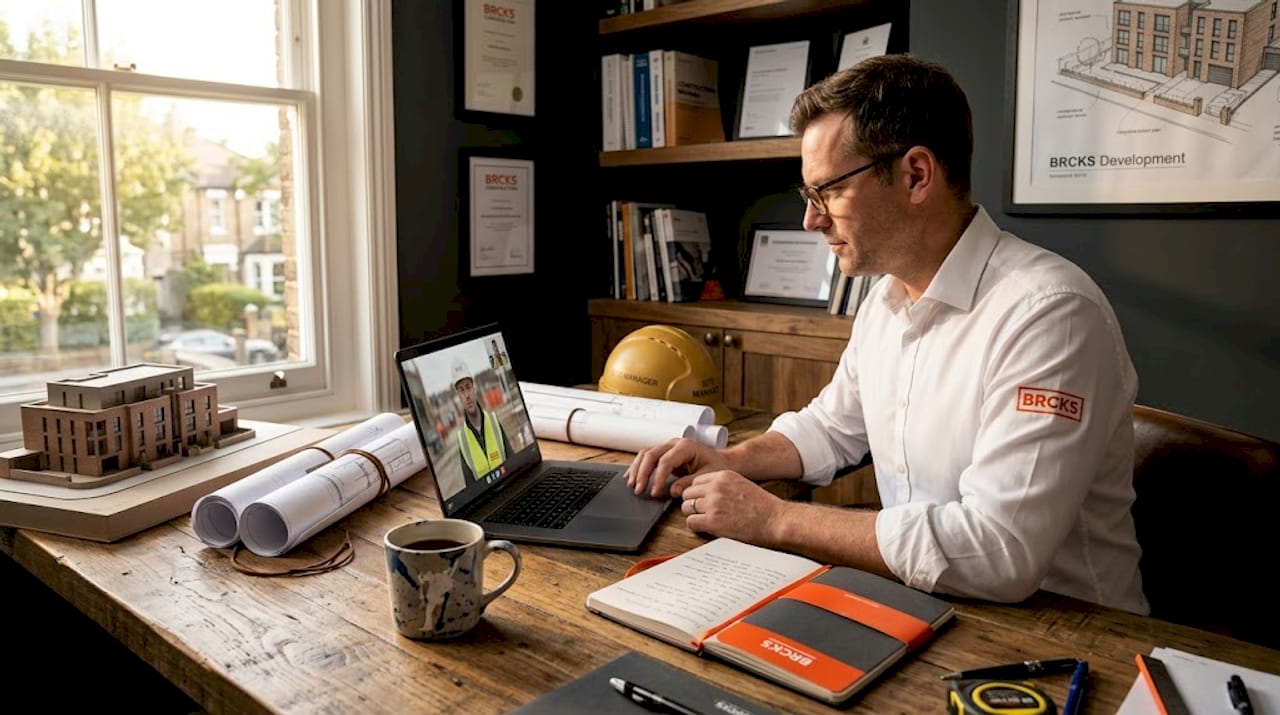 A purpose-built construction snagging software keeps these items tracked through to sign-off.
TL;DR:
- managing remote construction teams relies on establishing predictable routines and clear ownership to reduce coordination failures.
- Standardising technology, controlling documents, and investing in comprehensive training are essential for effective remote project management.
Managing remote construction teams is one of the most demanding challenges project managers face today. When key personnel work from multiple locations, the risks are tangible: miscommunication leads to rework, workflow confusion causes delays, and fragmented tools result in costly errors. Research consistently shows that coordination failures between site and office teams drive significant budget overruns and schedule slippage. This guide walks through proven, practical strategies for managing remote construction teams effectively, covering operational rhythms, technology standardisation, document control, and the change management that makes all of it stick.
Table of Contents
- Establish clear operational rhythms and ownership
- Standardise your technology and workflows
- Control documents and issues with shared workflows
- Invest in training and change management for adoption
- Our perspective: why remote construction success is never just ‘tools and Zoom’
- Recommended solutions to streamline your remote projects
- Frequently asked questions
Key Takeaways
| Point | Details |
|---|---|
| Keep routines structured | Regular check-ins and written ownership prevent costly errors. |
| Unify your tools | A single platform eliminates confusion and enables fast collaboration. |
| Centralise your workflow | Shared document systems ensure traceability and accountability across teams. |
| Train for lasting adoption | Ongoing support and champions in the field are essential for success. |
Establish clear operational rhythms and ownership
With the stakes clear, the first step is tackling how your team operates each day and week, even when spread out. The most reliable remote construction teams are not distinguished by having the fanciest software. They are distinguished by having predictable routines that everyone follows, every single day.
Operational cadence and explicit ownership reduce coordination gaps and rework in remote AEC (architecture, engineering, and construction) work. Structured check-ins replace the informal conversations that happen naturally on a shared site. Without them, small misunderstandings compound quickly into expensive problems.
Here is what a reliable operational rhythm looks like in practice:
- Daily briefings (15 minutes max): Each team lead confirms progress on the previous day’s targets, flags any blockers, and agrees on today’s priorities. Keep it short and focused on decisions, not reports.
- Weekly reviews (60 to 90 minutes): Review the programme schedule, inspect quality issues, and confirm resource availability for the coming week. Assign clear owners to any outstanding actions.
- Fortnightly escalation reviews: Where problems have not been resolved at the daily or weekly level, a fortnightly escalation meeting brings in senior stakeholders to make binding decisions. This is where communication breakdown and rework cost can be avoided before they spiral.
- Monthly reporting and client updates: Formal written reports ensure clients, subcontractors, and the broader project team are aligned on milestones, risks, and approvals.
Each meeting must produce a written record. That means documented decisions, named action owners, and agreed deadlines. This creates an audit trail that protects everyone if disputes arise later.
“Replacing informal site coordination with repeatable systems, including issue logs, review gates, and decision routines, is what actually makes remote AEC teams effective.” This is not about adding meetings. It is about making the right conversations happen reliably.
Setting clear ownership is equally important. Every active task on your programme needs a named individual who is accountable, not a team or a department but a person. When ownership is ambiguous, accountability disappears. Pair ownership with escalation paths so team members know exactly who to contact if a decision is beyond their authority.
Following project coordination best practices consistently is what separates teams that recover quickly from problems and those that let small issues become major delays.
Pro Tip: After every meeting, send a written summary within 30 minutes while decisions are still fresh. Include who owns each action and the deadline. A shared channel or platform thread works well for this. Teams that maintain this habit dramatically reduce the number of “I didn’t know” moments.
Standardise your technology and workflows
Once routines are set, it is essential that your technology supports, not undermines, your systems. One of the most common and damaging patterns in remote construction management is tool sprawl. This happens when different team members use different apps for the same function: one subcontractor tracking issues in a spreadsheet, another using email threads, and the site manager logging items in a paper diary. The result is fragmented information, duplicated effort, and a project that nobody can see clearly.
Standardising the technology stack and implementing training so field teams can adopt workflows is the foundation of effective remote workforce management. Here is a practical sequence for getting this right:
- Audit your current tool set. List every platform and tool used across your project team. Include what it is used for and by whom. The results are usually surprising.
- Identify redundancy and gaps. Where are two tools doing the same job? Where is there no system at all? Both situations are problems.
- Select a single platform for each core function. Issue tracking, document sharing, team messaging, and client reporting should each have one home. Ideally, a purpose-built construction platform covers all of these in one place.
- Define your standard workflows. Write down how tasks move from creation to completion. Who creates an issue? Who assigns it? Who signs it off? Document this clearly before onboarding anyone.
- Roll out in a structured way. Pilot with one team or project first. Gather feedback before rolling out across the organisation. This prevents large-scale resistance and catches problems early.
The hidden costs of software sprawl go well beyond subscription fees. They include the time spent chasing information across platforms, the errors introduced by manually transferring data, and the delays caused when someone cannot find the right version of a document.
| Factor | Fragmented workflows | Unified workflows |
|---|---|---|
| Issue tracking | Multiple spreadsheets, email chains | Single live issue log |
| Document access | Mixed cloud storage, local drives | Centralised, version-controlled |
| Team communication | WhatsApp groups, SMS, phone calls | One platform with searchable history |
| Reporting | Manual compilation, hours of effort | Automated dashboards, real-time data |
| Audit trail | Partial, inconsistent | Complete and accessible |
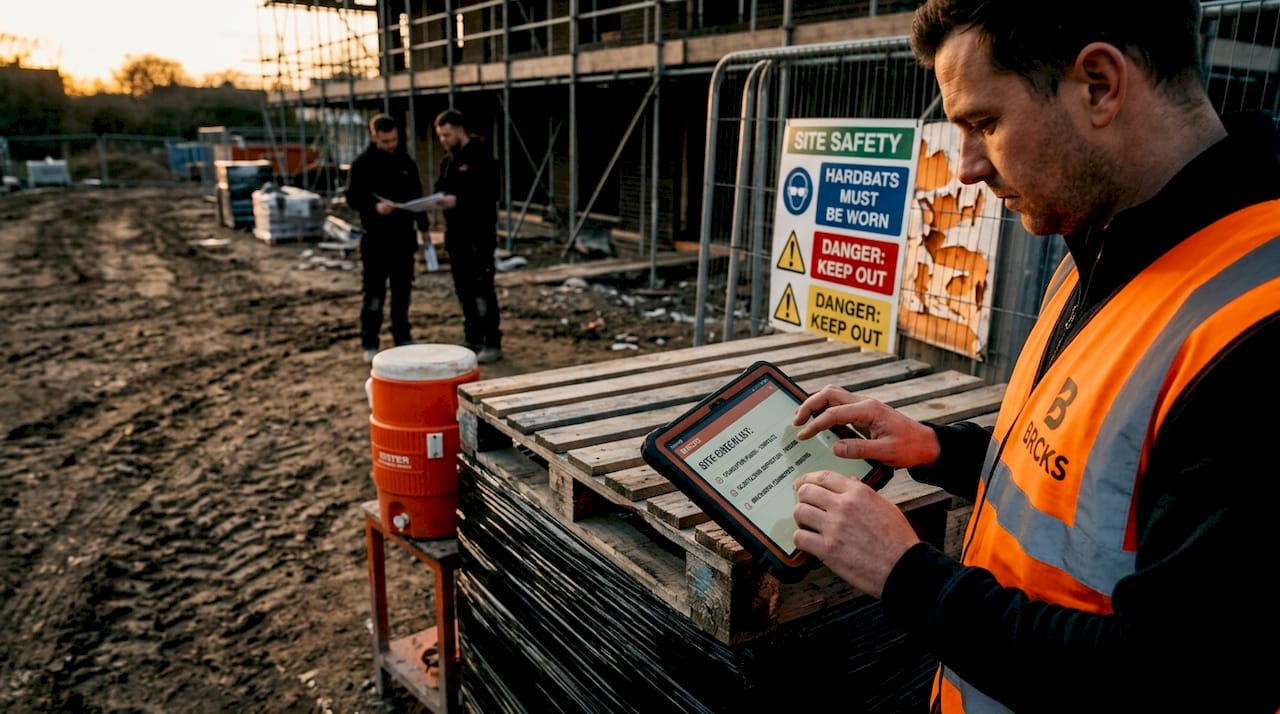
Mobile collaboration tools have also demonstrated measurable reductions in on-site waste when teams use a consistent platform. The key word is consistent. A brilliant app used by only half the team delivers half the benefit.
Pro Tip: Involve field teams in your platform selection process before you commit. Site managers and trades who have a say in choosing their tools are significantly more likely to adopt them fully. Run a short demo session and ask for honest feedback. Their input often reveals practical usability issues that office-based managers would never notice.
Control documents and issues with shared workflows
With standards in place, keeping documents and workflows centralised is the backbone of reliable remote management. Generic cloud storage, such as a shared drive folder, is not sufficient for construction records. It lacks the taxonomy (structured naming and categorisation), version control, access permissions, and audit trail that construction projects require.
Document control for issues, RFIs, and punch lists should be handled with a shared workflow and clear taxonomy to maintain traceability across time zones and remote contributors. An RFI (Request for Information) that sits in someone’s inbox for three days, instead of being logged in a live system, can hold up a critical work package and trigger a delay claim.
A well-designed shared workflow for document and issue control should include:
- A clear taxonomy: Consistent naming conventions for all documents, including revision numbering, discipline codes, and date stamps. Everyone uses the same format, every time.
- Audit trail by default: Every change, comment, and approval is timestamped and attributed to a named user. This is not optional in construction. It is essential for dispute resolution.
- Role-based access control: Subcontractors see what they need to see. Clients see what you want them to see. Senior management has full visibility. Access is set up deliberately, not by accident.
- Live issue logs: Issues are created, assigned, and tracked in real time. Status updates are visible to all relevant parties without anyone needing to chase by email.
- Integrated punch lists: Snagging and defect lists are connected to the issue log, with photos attached and resolution tracked through to sign-off.
| Method | Spreadsheet or email | Shared cloud collaboration |
|---|---|---|
| Version control | Manual, error-prone | Automatic, locked versions |
| RFI tracking | Scattered across inboxes | Centralised log with status |
| Audit trail | Incomplete | Full and time-stamped |
| Multi-site access | Difficult | Instant, from any device |
| Reporting | Time-consuming | Generated automatically |
Onboarding teams onto a unified issue log requires a short but structured process. Start with a team briefing that explains why the system is being introduced and what problem it solves. Then run a live walkthrough, followed by a supervised trial period where questions are answered promptly. These steps prevent bad habits from forming early.
Good document control strategies are often the difference between a project that closes cleanly and one that drags on for months in disputes. The document management problem in UK construction is well documented, with billions lost annually to poor information management. Getting this right is not a nice-to-have. It is commercial common sense.
Invest in training and change management for adoption
Technical solutions only succeed if people buy in and learn to use them fully. This is where many well-intentioned technology rollouts fail. A platform can be purpose-built for construction, brilliantly designed, and still sit unused if teams do not understand it or trust it.
Successful remote workforce management depends as much on training and change management as it does on the technology itself. The rollout process matters enormously. Here is a practical checklist:
- Demonstrate before you deploy. Run live demos for each team group, tailored to their specific role. A site manager needs to see how they log an issue. A subcontractor needs to see how they receive and update tasks.
- Pilot on a real project. Choose a live, active project for your pilot. Real conditions reveal real challenges that a test environment cannot replicate.
- Collect structured feedback. After two to three weeks of the pilot, gather written feedback from all user groups. What is working? What is confusing? What is being skipped?
- Refine before rolling out. Use that feedback to adjust workflows, permissions, and training materials before extending to the wider team.
- Provide ongoing support. Schedule monthly Q&A sessions for the first quarter after full rollout. Designate a point of contact for troubleshooting. Teams need to know help is available.
- Refresher training at key intervals. Platform updates, project handovers, and new team members are all trigger points for refresher sessions. Do not assume knowledge persists without reinforcement.
Training that reduces rework has measurable commercial value. Every issue caught and resolved through a properly used workflow is one that does not become a defect, a delay, or a dispute.
Pro Tip: Identify two or three enthusiastic early adopters on each team and make them your field champions. Give them a slightly deeper level of training and a direct line to your support contact. They become the first point of call for their colleagues, which dramatically reduces the volume of questions escalating to management and builds peer-to-peer confidence in the new system.
Our perspective: why remote construction success is never just ‘tools and Zoom’
There is a recurring pattern in how construction businesses approach remote working. They hear about a new platform, invest in licences, and expect behaviour to change automatically. It rarely does. The real nuance in remote AEC management is that remote working is not about video calls. It is about replacing hallway coordination with repeatable systems, including issue logs, review gates, and decision routines, backed by full auditability.
Habits are considerably harder to change than software. A project team that has relied on WhatsApp voice notes and email threads for three years will not switch to a structured platform just because management announces a new policy. The resistance is not usually deliberate. It is human. Existing habits feel faster and more familiar, even when they are objectively slower and less reliable at scale.
What actually works is starting with behaviour before technology. Establish the routine first. Run your daily briefings and weekly reviews consistently, even if you are still using a basic shared document to track actions. Once the habit of recording decisions and assigning owners is embedded, introducing the right platform to automate and centralise that process feels like a natural upgrade rather than an imposition.
We have also observed teams that chase every new tool on the market, convinced that the next app will solve their coordination problems. It will not. The cloud communication benefits are real, but only for teams that have already established the underlying discipline. Technology amplifies what is already there. If the foundation is poor process, better software just makes the poor process move faster.
Our honest advice: spend as much time on your team’s operating model as you do on your tool selection. The two must work together, but the operating model comes first.
Recommended solutions to streamline your remote projects
Ready to put these strategies into action? Here is how BRCKS helps make these best practices a reality for construction teams across the UK.

BRCKS is purpose-built for construction teams managing complex projects across multiple sites and stakeholders. Whether you are a builder managing subcontractors and clients or a project manager trying to consolidate a fragmented communication stack, BRCKS brings everything into one place. Issue tracking, document sharing, team messaging, meeting recordings, and client portals are all connected, with WhatsApp integration so your field teams can update projects without switching apps. You can even manage your snag list and punch list items directly within the same platform that handles your daily coordination. And if your team already lives in WhatsApp, BRCKS lets you keep your team in WhatsApp while feeding updates directly into a structured project record. Try BRCKS free for 14 days and see how much smoother remote management can be.
Frequently asked questions
What is the most important tool for remote construction management?
A standardised platform for issue tracking and document control is the single most important tool, as it ensures every RFI, punch list item, and decision is traceable and accessible to all relevant parties.
How often should remote construction teams hold check-ins?
Daily briefings and weekly reviews are the recommended minimum, with written records and clearly named action owners produced at each session to reduce coordination gaps.
How do you encourage field teams to adopt new remote workflows?
Involve field teams in the selection process early, then provide structured training and change management support throughout rollout, including ongoing Q&A sessions and peer champions on site.
What risks are created by using too many tools in remote construction?
Tool sprawl fragments information across platforms, making it harder to maintain a reliable audit trail, increases the chance of errors caused by manual data transfer, and slows team adoption of any single system.
Recommended
- BRCKS | Construction Project Communication Software
- UK Construction Project Coordination Best Practices 2026 | BRCKS
- Cloud Communication for UK Construction Teams | BRCKS
- BRCKS | Construction Project Communication Software
How BRCKS Can Help
Mastering remote construction management requires a blend of clear communication, rigorous site protocols, and the right digital infrastructure to bridge the gap between the office and the field. BRCKS simplifies this transition by providing a centralised platform that ensures real-time data and project updates are accessible to your entire team, regardless of their location. By integrating these best practices with our intuitive software, you can maintain full oversight and keep your projects on track with confidence. We invite you to discover how BRCKS can transform your remote operations by exploring our platform today. Learn more at BRCKS and explore our full feature set.